Styles
A style decides how a book looks: its page size and margins, its typefaces, how chapters open, what a note or a table looks like. The text stays the same; switch the style and the whole book is laid out again.
General
Styles for any kind of book.
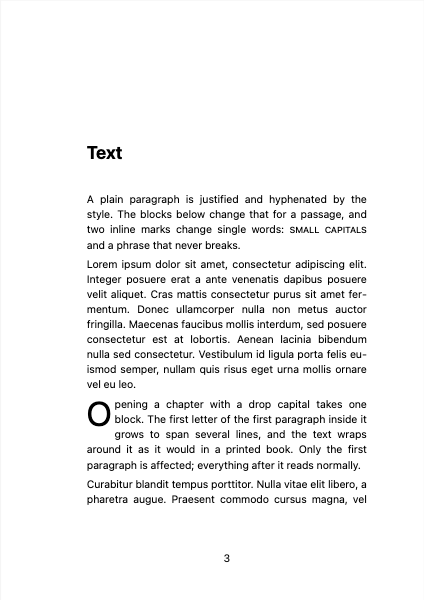
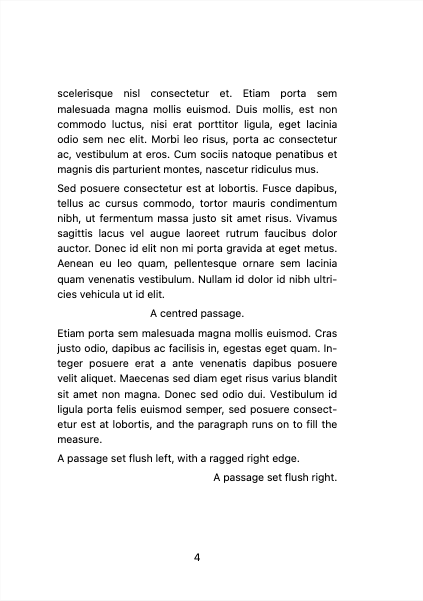
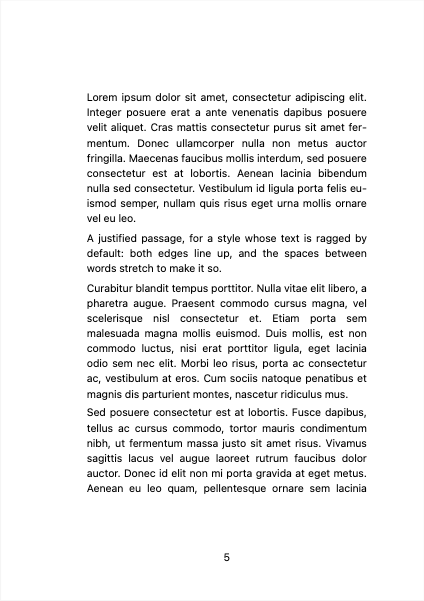
Fiction
Styles for novels and other fiction.
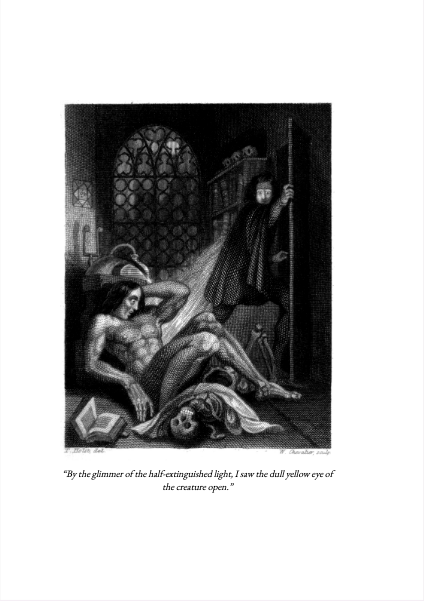
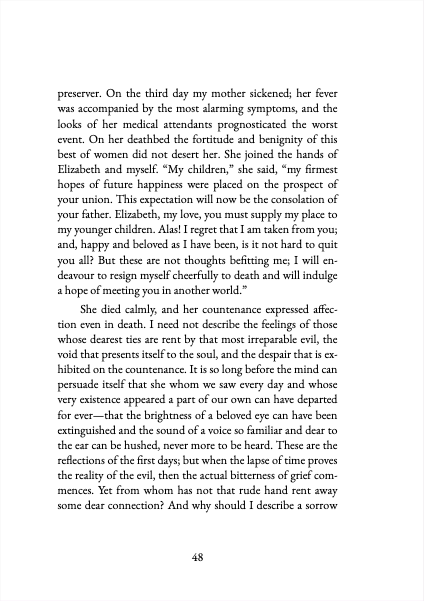
Roleplaying games
Styles for tabletop roleplaying game manuals and sourcebooks.
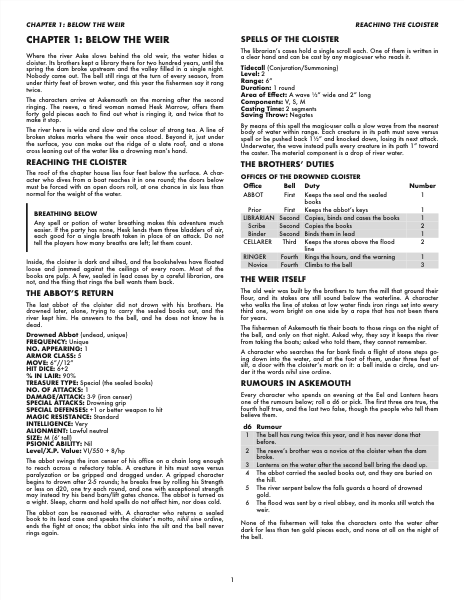
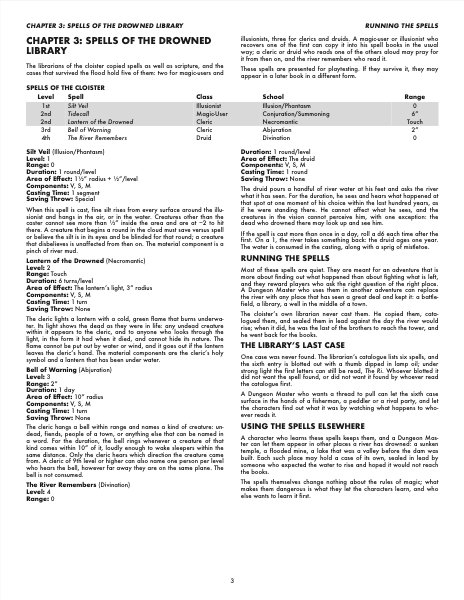 AD&D 1st EdA game manual in the manner of the first edition Advanced Dungeons & Dragons hardcovers: two dense justified columns of Futura on a white page, bold capital headings, a running head over each column and grey table bands.
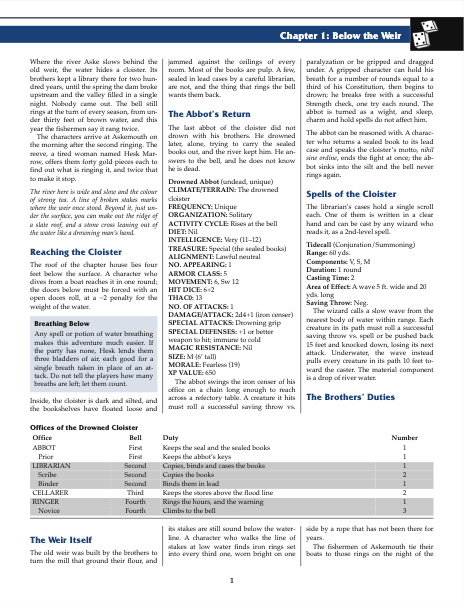
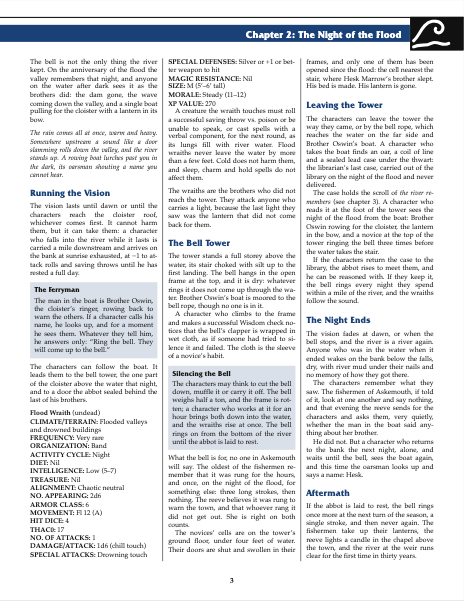
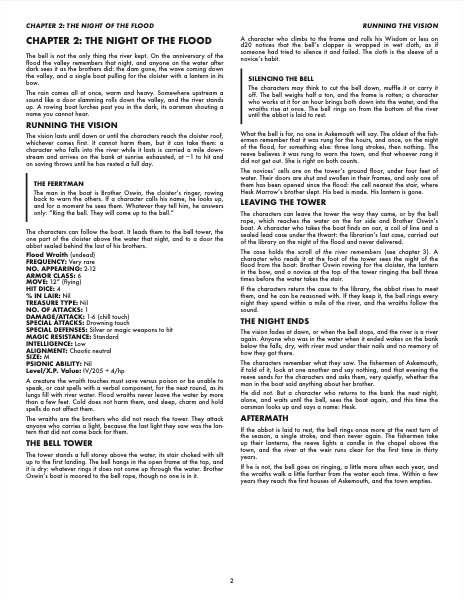
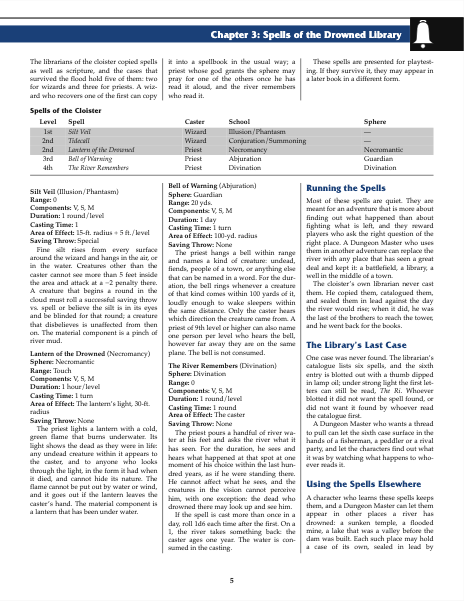 AD&D 2nd EdA game manual in the manner of the second edition Advanced Dungeons & Dragons handbooks: three columns of Palatino between thin rules, a running head on a coloured bar beside a black block of dice, Friz Quadrata headings in the bar's colour, framed illustrations and grey table bands.
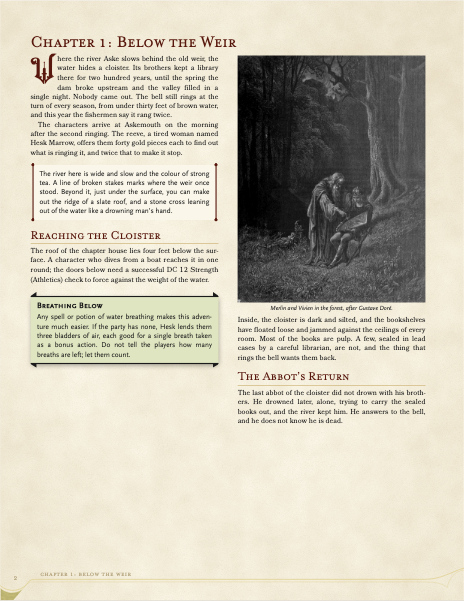
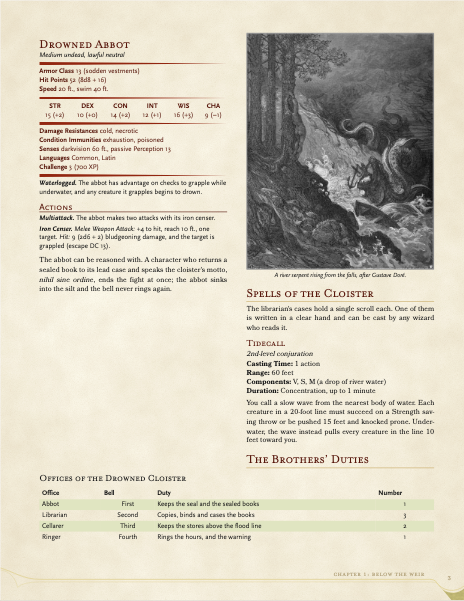
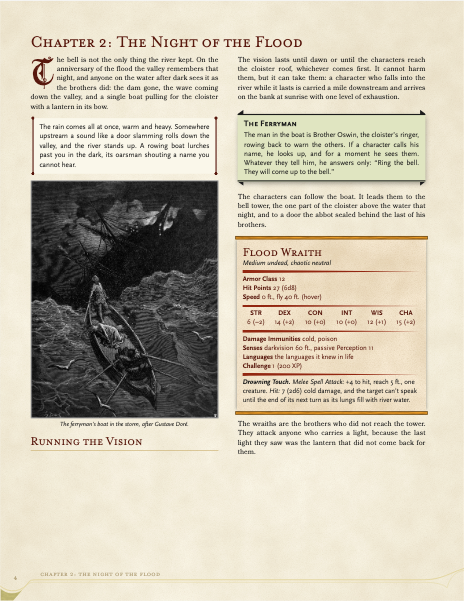 D&D 5th EditionA tabletop role-playing manual in two columns on parchment: drop caps, creature stat blocks, spells, notes and class tables.
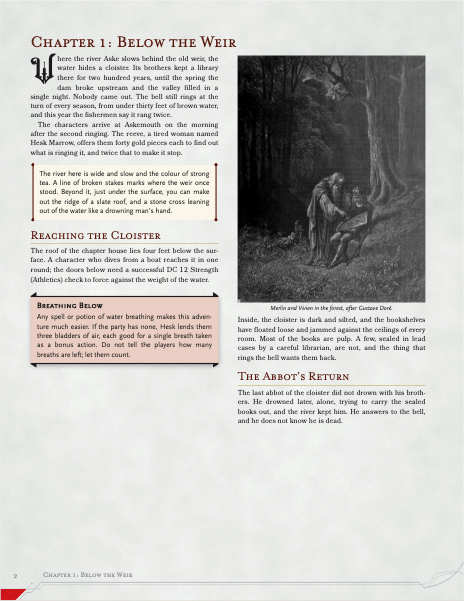
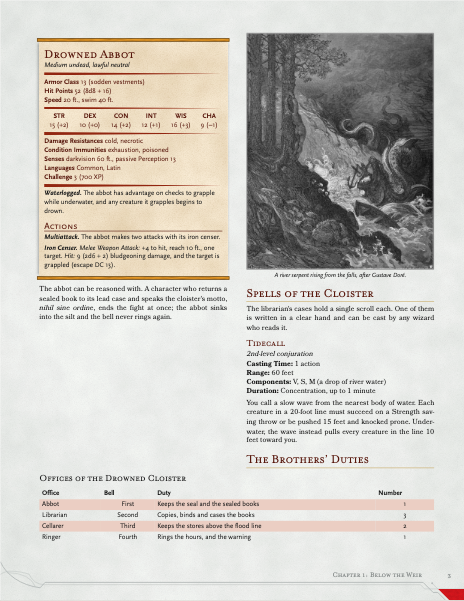
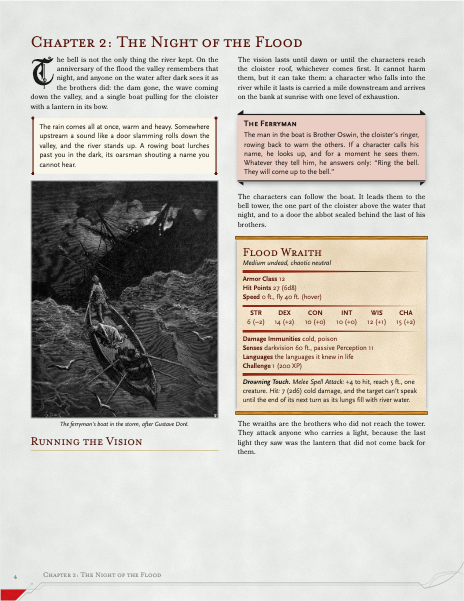 D&D 5th Edition DMGThe D&D 5th Edition style in the manner of a game master's guide: cool grey paper, nearly solid section colours in the corner and a plain drop cap.
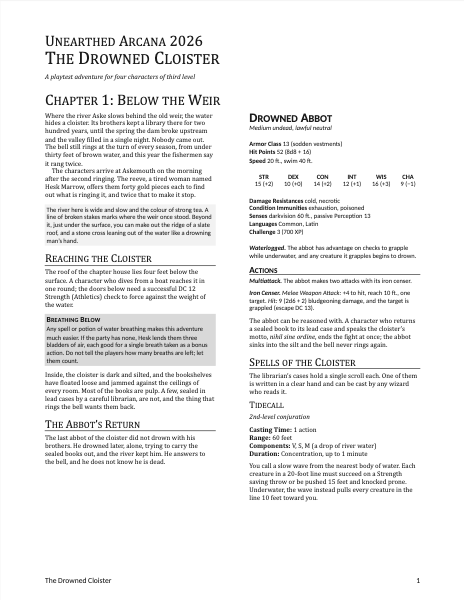
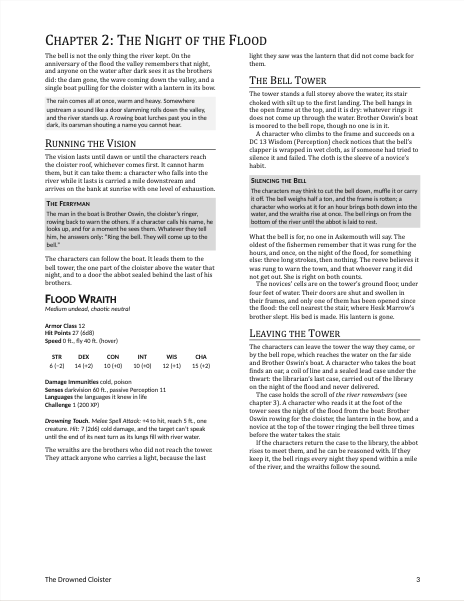
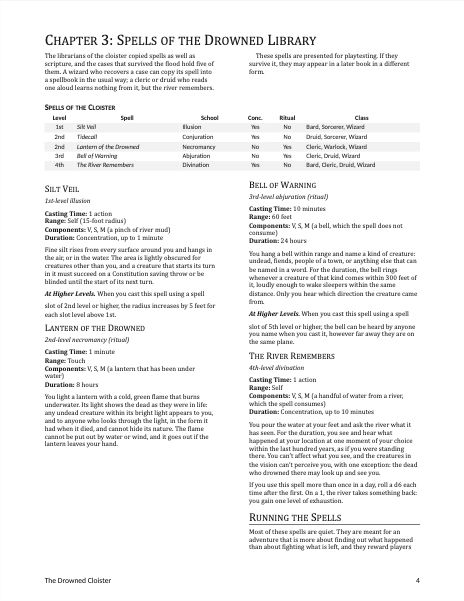 D&D 5th Unearthed ArcanaA playtest document in the D&D 5th Edition manner: two columns on a plain white page, a serif text face and plain sans-serif headings, grey boxes, no parchment or ornaments.
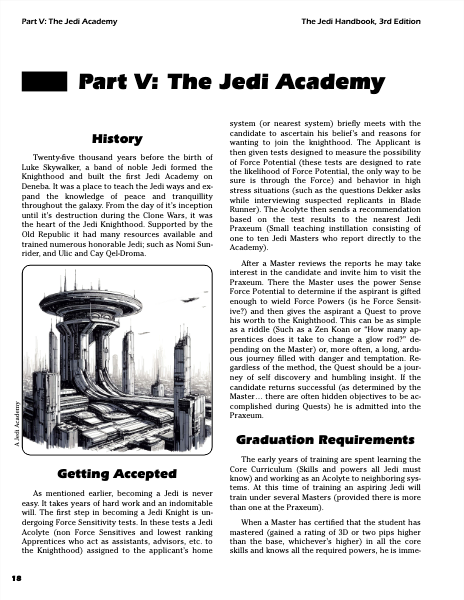
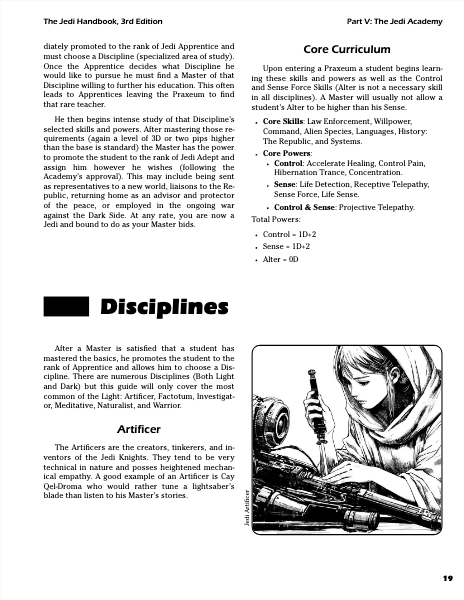
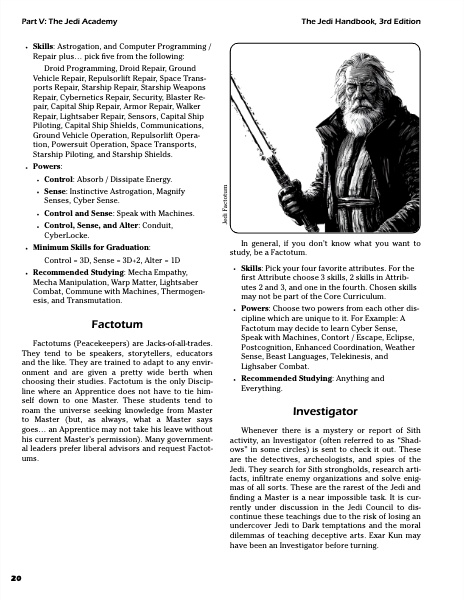 Star Wars D6 2nd EdA role-playing sourcebook in two columns on US Letter, with display headings, boxed sidebars and tables for game rules.
Choosing a style
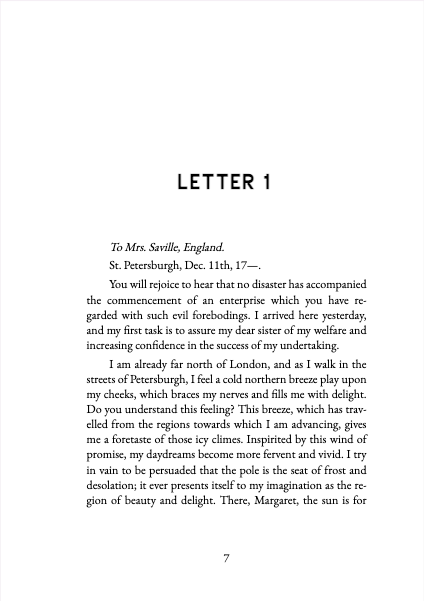
Open Style → Choose a Style… in the editor's menu bar. The gallery shows each style's first page and a spread from its sample book, its description and its typefaces. Click a style, or move to it with the arrow keys and press Enter, and the book renders again in it. The choice is saved in the project's typoteka.json as
json
"style": { "preset": "novel" }Project Settings shows the style in use too, with a button for the gallery.
What every style shares
All styles build on one shared layer, so the layout blocks (alignment, columns, breaks, notes, boxes, floated images) work in every one of them. Text written for one style keeps working in another: a block a style does not dress specially still lays out, in the shared layer's neutral form.
Some styles add blocks of their own, such as a creature's stat block in D&D 5th Edition. Those are listed on each style's page.
Some styles also offer classes for a chapter's heading, such as the section colours of D&D 5th Edition and D&D 5th Edition DMG: written in the heading's attributes, # Chapter 9: Combat {.section-blue}, they change how that whole chapter is set. A style that has them lists them on its page, under Chapter classes, and Markdown conventions explains how they work.
Adjusting a style
Page size, margins, text size, paragraph indent and columns can be adjusted for one book without touching the style itself. See Style settings.
Credits
Every typeface a style uses is listed with its author and licence on the style's page, under Typefaces and credits.