Layout Blocks
Layout blocks shape a passage of the book: centre it, set it in columns, box it, break the page before it. They belong to the shared layer every style is built on, so they work the same in every style; a style may dress some of them its own way (a note in the game manual is green, for instance), but none stops working.
A block is a fenced div: three colons, the block's name, the content, and three colons to close it (see Markdown conventions). Blocks nest. Each example below shows the Markdown and how the Base style renders it.
Alignment
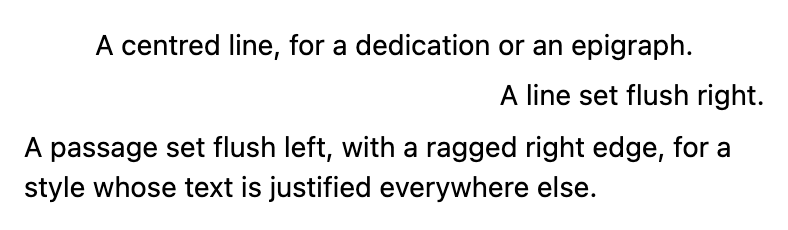
center, left, right and justify set how the lines of a passage line up.
md
::: center
A centred line, for a dedication or an epigraph.
:::

::: right
A line set flush right.
:::

::: left
A passage set flush left, with a ragged right edge, for a style whose text is
justified everywhere else.
:::
Columns
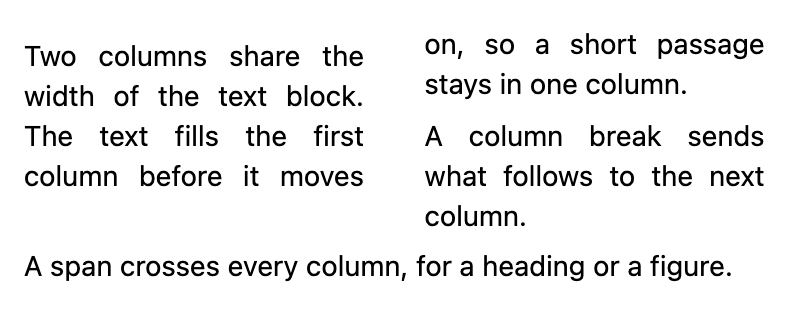
columns-2, columns-3 and columns-4 set a passage in that many columns. The text fills one column before moving to the next. Inside one:
::column-breakon a line of its own starts the next column;- a
spanblock crosses every column, for a heading or a figure; - a
span-2orspan-3block takes two or three of them, at the top or the foot of the page (below).
md
::: columns-2
Two columns share the width of the text block. The text fills the first
column before it moves on, so a short passage stays in one column.

::column-break

A column break sends what follows to the next column.

::: span
A span crosses every column, for a heading or a figure.
:::
:::
Tables across the columns
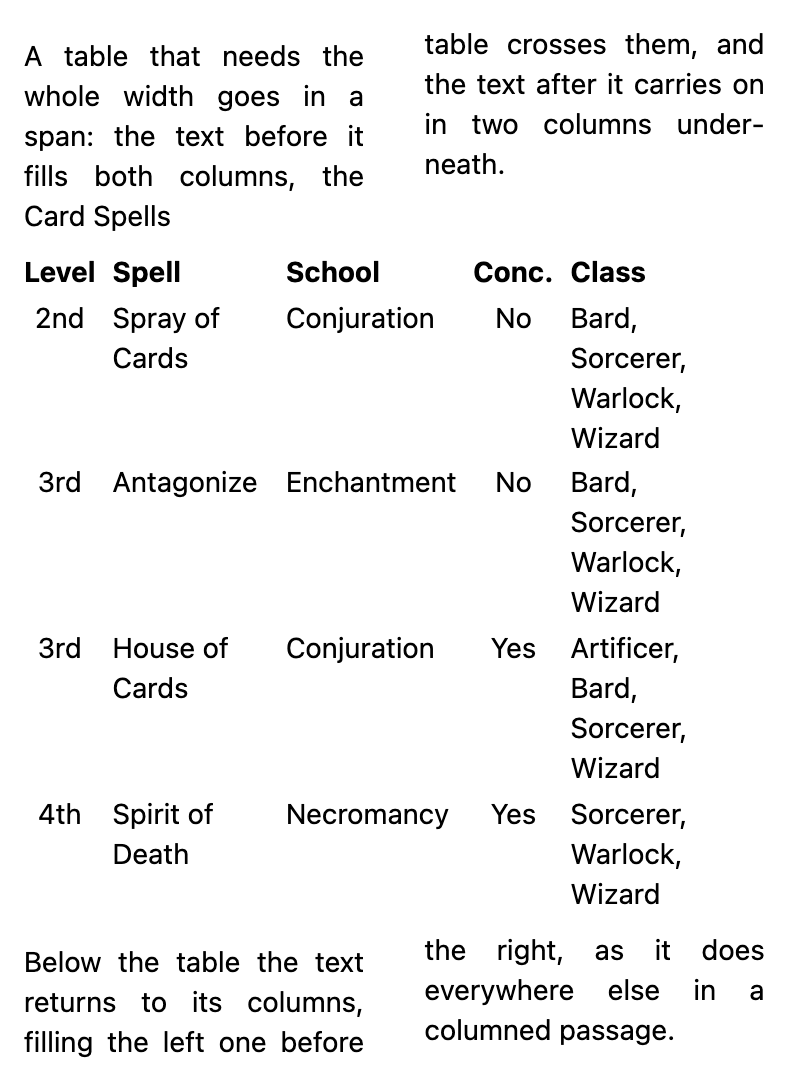
A table too wide for one column goes in a span block, with its title if it has one. The text before it is shared out between the columns, the table crosses them, and the text after it carries on in columns underneath. The same Markdown works in every style set in columns, which also dress the table their own way.
md
::: columns-2
A table that needs the whole width goes in a span: the text before it fills
both columns, the table crosses them, and the text after it carries on in two
columns underneath.

::: span
##### Card Spells

| Level | Spell | School | Conc. | Class |
|:--:|:--|:--|:--:|:--|
| 2nd | Spray of Cards | Conjuration | No | Bard, Sorcerer, Warlock, Wizard |
| 3rd | Antagonize | Enchantment | No | Bard, Sorcerer, Warlock, Wizard |
| 3rd | House of Cards | Conjuration | Yes | Artificer, Bard, Sorcerer, Wizard |
| 4th | Spirit of Death | Necromancy | Yes | Sorcerer, Warlock, Wizard |
:::

Below the table the text returns to its columns, filling the left one before
the right, as it does everywhere else in a columned passage.
:::
A span can carry other classes too. In a style that sets its tables in a box (such as Star Wars D6 2nd Ed, whose boxes have a rounded border), write both on the same block, ::: box span, and the box crosses the columns with its border, margins and padding.
A table that does not fit on what is left of the page moves whole to the top of the next one, and the page before it fills with text. Columns fill left to right, so if only a little text follows the table on its page, it stays in the left column.
Two styles also have a block of their own for a wide table: D&D 5e and AD&D 2nd Ed have class-table, which crosses the columns as span does, spaced as the class tables of those books are. In any other style it does nothing; use span there.
Two of the columns
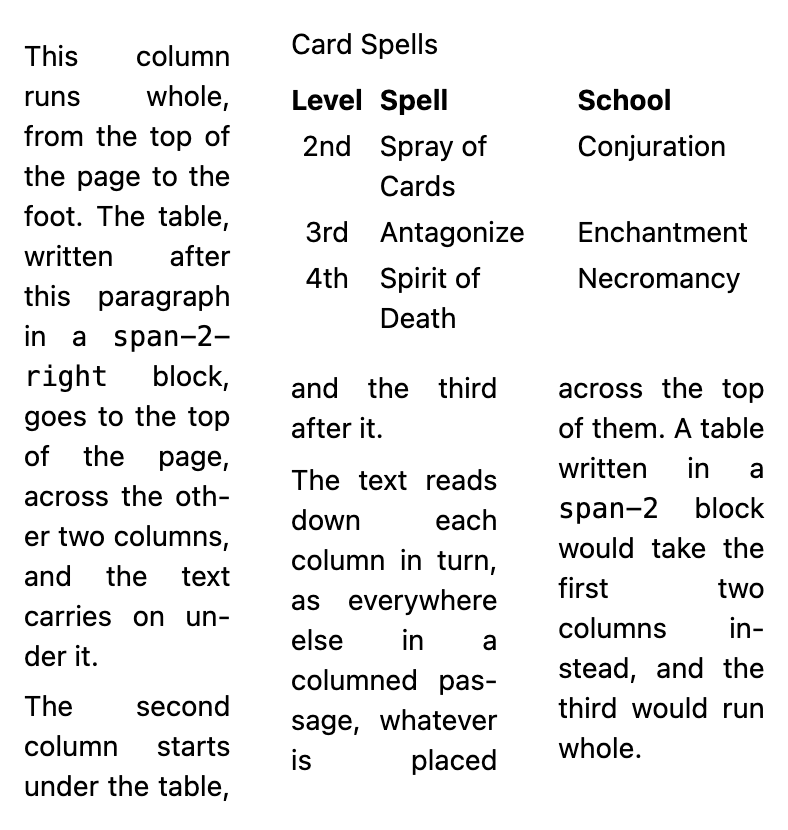
In three columns or more, a table or an image can take two of them instead of all: put it in a span-2 block. It goes to the top of the page it falls on, across the two columns at the left; the third column runs whole from the top of the page to the foot, and the two under the block start below it. The text reads as always, down each column in turn.
| Block | Where it goes |
|---|---|
span-2 | Top of the page, the two columns at the left. |
span-2-right | Top of the page, the two columns at the right. |
span-2-bottom | Foot of the page, the two columns at the left. |
span-2-right-bottom | Foot of the page, the two columns at the right. |
span-3 and its variants take three columns, in four.
md
::: columns-3
This column runs whole, from the top of the page to the foot. The table,
written after this paragraph in a `span-2-right` block, goes to the top of the
page, across the other two columns, and the text carries on under it.

The second column starts under the table, and the third after it.

::: span-2-right
##### Card Spells

| Level | Spell | School |
|:--:|:--|:--|
| 2nd | Spray of Cards | Conjuration |
| 3rd | Antagonize | Enchantment |
| 4th | Spirit of Death | Necromancy |
:::

The text reads down each column in turn, as everywhere else in a columned
passage, whatever is placed across the top of them. A table written in a
`span-2` block would take the first two columns instead, and the third would
run whole.
:::
- The block does not stay at the exact point it is written: it goes to the top (or foot) of that page. If it does not fit in what is left, it goes to the top of the next one, and the text carries on filling this page. Refer to it by its title ("see the Authors table") rather than as "the table below".
- It is kept whole: a table that needs more than a page is better in a
span. - In two columns,
span-2takes them both, and stays in the flow where it is written, asspandoes. - It is placed by the Partial column spans handler (Project Settings → Advanced, on by default). Off, the block crosses every column where it is written, as
spandoes.
Grouped rows
Rows that belong to the row above them (a class and its sub-classes, an office and the people under it) are marked by writing the first cell as a bracketed span with the class sub: [Druid]{.sub}. The row is indented under the one above, and the pipeline groups them, so a style that shades its tables can shade a whole group at once.
md
##### Offices of the Drowned Cloister

| Office | Bell | Duty |
|:--|:--:|:--|
| ABBOT | First | Keeps the seal and the sealed books |
| [Prior]{.sub} | First | Keeps the abbot's keys |
| LIBRARIAN | Second | Copies, binds and cases the books |
| [Scribe]{.sub} | Second | Copies the books |
| [Binder]{.sub} | Second | Binds them in lead |
| CELLARER | Third | Keeps the stores above the flood line |
| RINGER | Fourth | Rings the hours, and the warning |
| [Novice]{.sub} | Fourth | Climbs to the bell |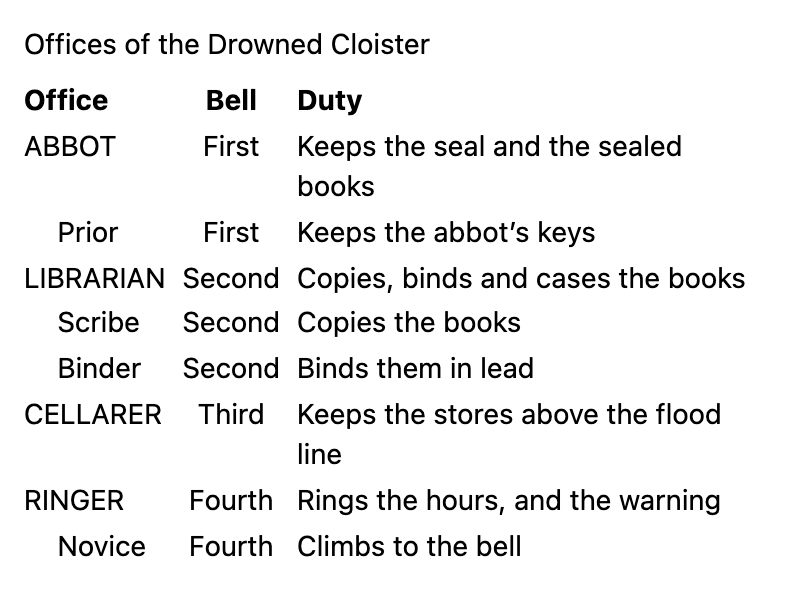
How a table is shaded is the style's. In AD&D 1st Ed, for instance, a plain table is shaded in grey bands of three rows, as the first edition hardcovers are, and a grouped one by whole groups instead. A table inside ::: striped is shaded one row in two instead of in bands of three; it is offered by both AD&D styles. All three are shown on their pages.
Breaks
| Markdown | Effect |
|---|---|
::page-break | What follows starts a new page. |
::page-break{right} | What follows starts a new right-hand page, leaving a blank page if needed. |
::page-break{left} | The same, on a left-hand page. |
::column-break | What follows starts the next column. |
::: keep-together | The block is never split across two columns or two pages: if it does not fit in what is left, it moves whole to the next one. It can go on any other block too: ::: monster keep-together. |
::: chapter | A chapter: the block starts on a new page, or wherever the style starts its chapters. Every # heading can do the same instead (see Markdown Basics). |
Each break directive goes on a line of its own, with a blank line before and after it.
Text
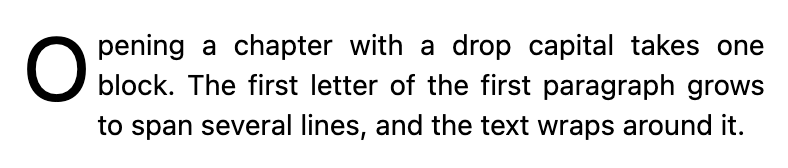
A dropcap block opens with a drop capital: the first letter of its first paragraph spans several lines.
md
::: dropcap
Opening a chapter with a drop capital takes one block. The first letter of the
first paragraph grows to span several lines, and the text wraps around it.
:::
Two inline marks apply to a few words, with brackets and a class: [words]{.smallcaps} for small capitals, and [words]{.nobreak} for words that must stay on one line.
md
A word in [small capitals]{.smallcaps}, and a [phrase that never breaks
across lines]{.nobreak}.
Notes, boxes and quotations
A note sets a passage apart with a rule down its side.
md
::: note
A note sets a passage apart with a rule down its side.
:::
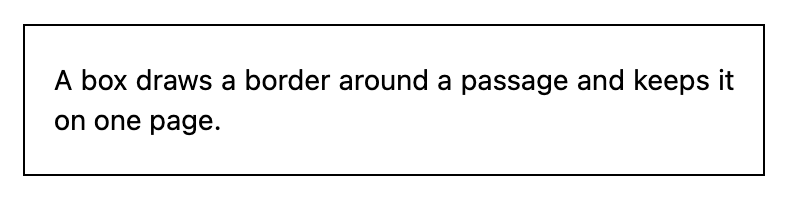
A box draws a border around a passage and keeps it on one page.
md
::: box
A box draws a border around a passage and keeps it on one page.
:::
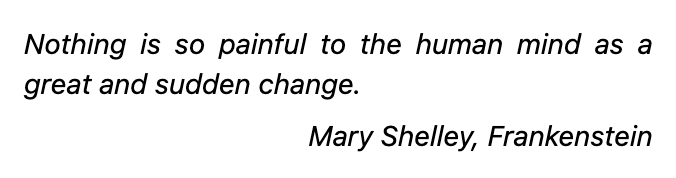
A quote sets a quotation in italics, indented; its attribution goes in a right block inside it.
md
::: quote
Nothing is so painful to the human mind as a great and sudden change.

::: right
Mary Shelley, *Frankenstein*
:::
:::
Images
float-left and float-right set an image at half the width of the text, with the text wrapping around it.
md
::: float-right

:::
A floated image takes half the width of the text and the text wraps around
it. Use `float-left` to put it on the other side. Lorem ipsum dolor sit amet,
consectetur adipiscing elit, sed do eiusmod tempor incididunt ut labore et
dolore magna aliqua. Ut enim ad minim veniam, quis nostrud exercitation
ullamco laboris nisi ut aliquip ex ea commodo consequat.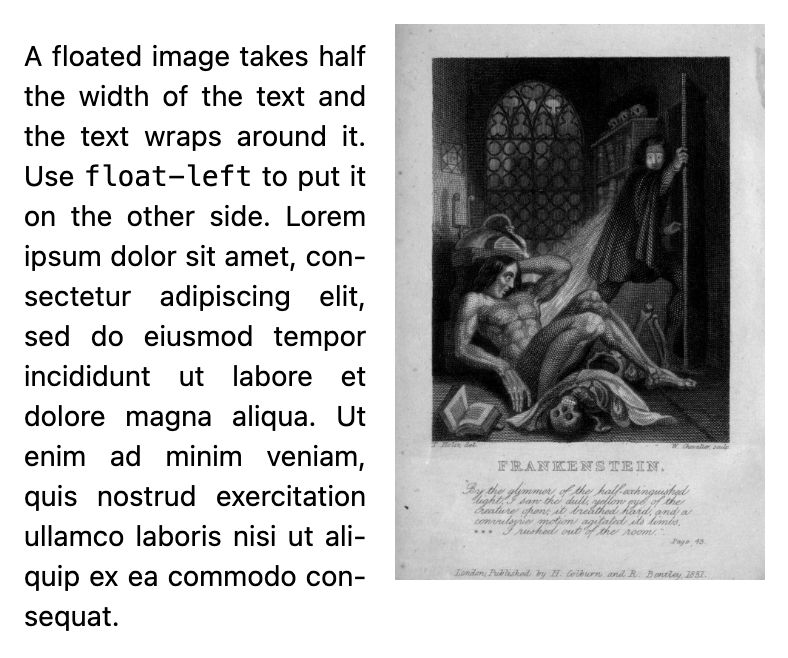
An outer block lets an image break out of the columns and fill the width of the text block; outer bleed-outside lets it reach past the text and the outer margin into the bleed, for a picture meant to run off the paper. Any side can reach the trim or the bleed (see To the edge of the page).
md
::: outer bleed-outside

:::A cover block puts its image on a page of its own, edge to edge, with no page number:
md
::: cover

:::See Images for sizes and formats, and for covers.
Blocks of one style
Styles add blocks of their own: a creature's stat block, a spell, a sidebar. They are listed, with examples, on each style's page.